> ## Documentation Index
> Fetch the complete documentation index at: https://docs.roostrr.com/llms.txt
> Use this file to discover all available pages before exploring further.
# Welcome to Roostrr
> Deploy natural, human-like AI voice agents to automate your customer service and phone workflows.
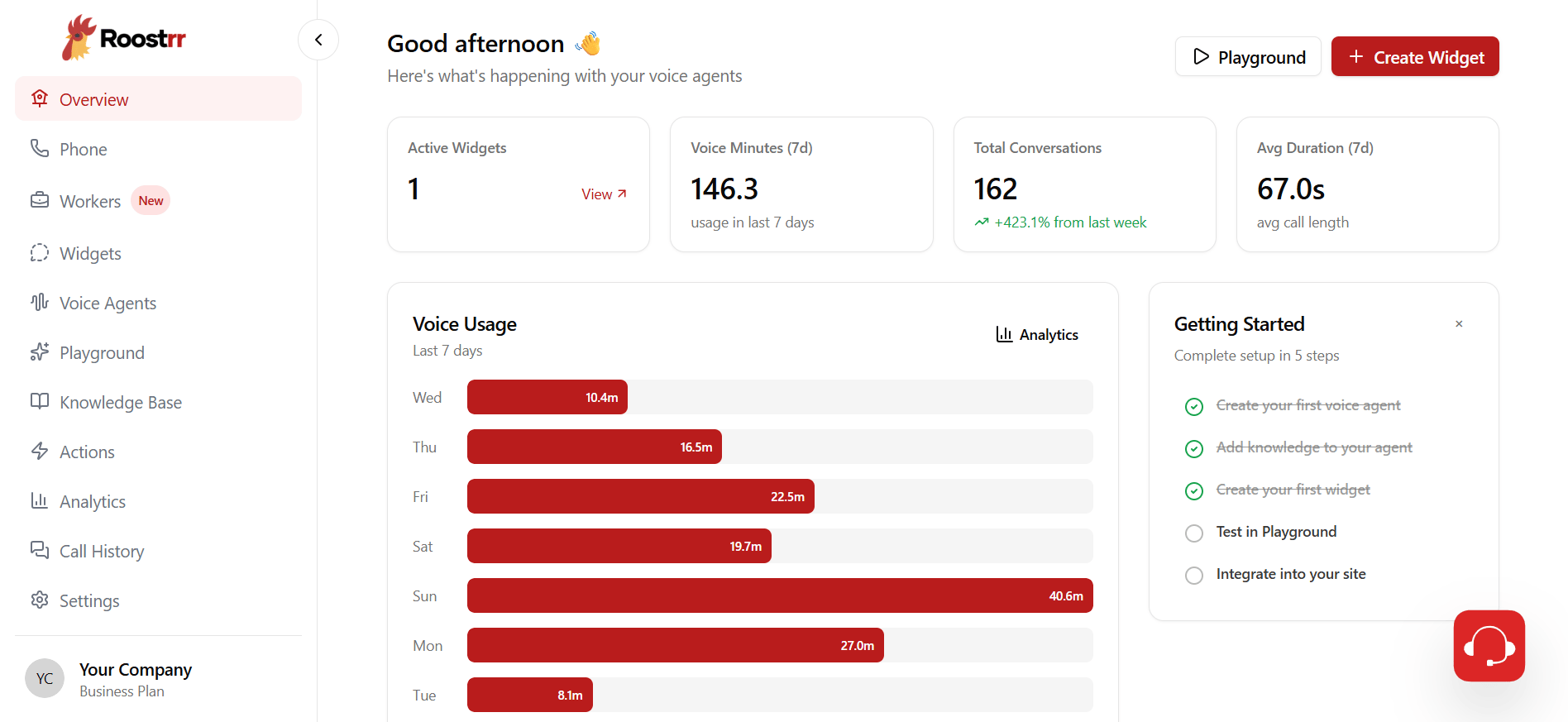
Roostrr is a voice automation platform designed to streamline customer service operations. By combining natural conversational flow, high-fidelity voices, and instant responses, Roostrr voice agents interact, resolve inquiries, and complete business tasks exactly like a trained agent.
 ## Core Platform Capabilities
Ultra-responsive voice interactions with smooth flow, realistic pacing, and active listening capabilities.
Rent numbers instantly in multiple regions or link your existing business phone system trunks to route calls to your agents.
Upload catalogs, guides, and FAQs. Your agents automatically look up the correct information to answer customer questions live on the call.
Set up automated triggers to dispatch webhooks, emails, and WhatsApp messages based on call outcomes.
Embed browser-calling buttons on your website to allow visitors to speak with your agents instantly via WebRTC.
Upload contact lists or enter them manually to trigger automated outbound dialing campaigns.
Connect external calendars (Google, Outlook, iCloud) and online booking pages to supercharge your AI assistants.
## Specialty AI Workers
In addition to custom agents, Roostrr features pre-built, specialized AI staff tailored for specific industries:
Automates order taking, handles reservations, answers menu questions, and sends order details to your customers.
Manages appointments, scans connected calendars for conflicts, and sends automated booking confirmations.
***
## Getting Help
If you run into issues or have questions:
* Check out the [Quickstart Guide](/quickstart) to make your first test call.
* Email our support team directly at [support@roostrr.com](mailto:support@roostrr.com).
* Access execution logs directly inside your Roostrr Dashboard.
## Core Platform Capabilities
Ultra-responsive voice interactions with smooth flow, realistic pacing, and active listening capabilities.
Rent numbers instantly in multiple regions or link your existing business phone system trunks to route calls to your agents.
Upload catalogs, guides, and FAQs. Your agents automatically look up the correct information to answer customer questions live on the call.
Set up automated triggers to dispatch webhooks, emails, and WhatsApp messages based on call outcomes.
Embed browser-calling buttons on your website to allow visitors to speak with your agents instantly via WebRTC.
Upload contact lists or enter them manually to trigger automated outbound dialing campaigns.
Connect external calendars (Google, Outlook, iCloud) and online booking pages to supercharge your AI assistants.
## Specialty AI Workers
In addition to custom agents, Roostrr features pre-built, specialized AI staff tailored for specific industries:
Automates order taking, handles reservations, answers menu questions, and sends order details to your customers.
Manages appointments, scans connected calendars for conflicts, and sends automated booking confirmations.
***
## Getting Help
If you run into issues or have questions:
* Check out the [Quickstart Guide](/quickstart) to make your first test call.
* Email our support team directly at [support@roostrr.com](mailto:support@roostrr.com).
* Access execution logs directly inside your Roostrr Dashboard.