> ## Documentation Index
> Fetch the complete documentation index at: https://docs.roostrr.com/llms.txt
> Use this file to discover all available pages before exploring further.
# Voice Agents
> Configure your voice agent's settings, custom greetings, prompts, and escalation rules.
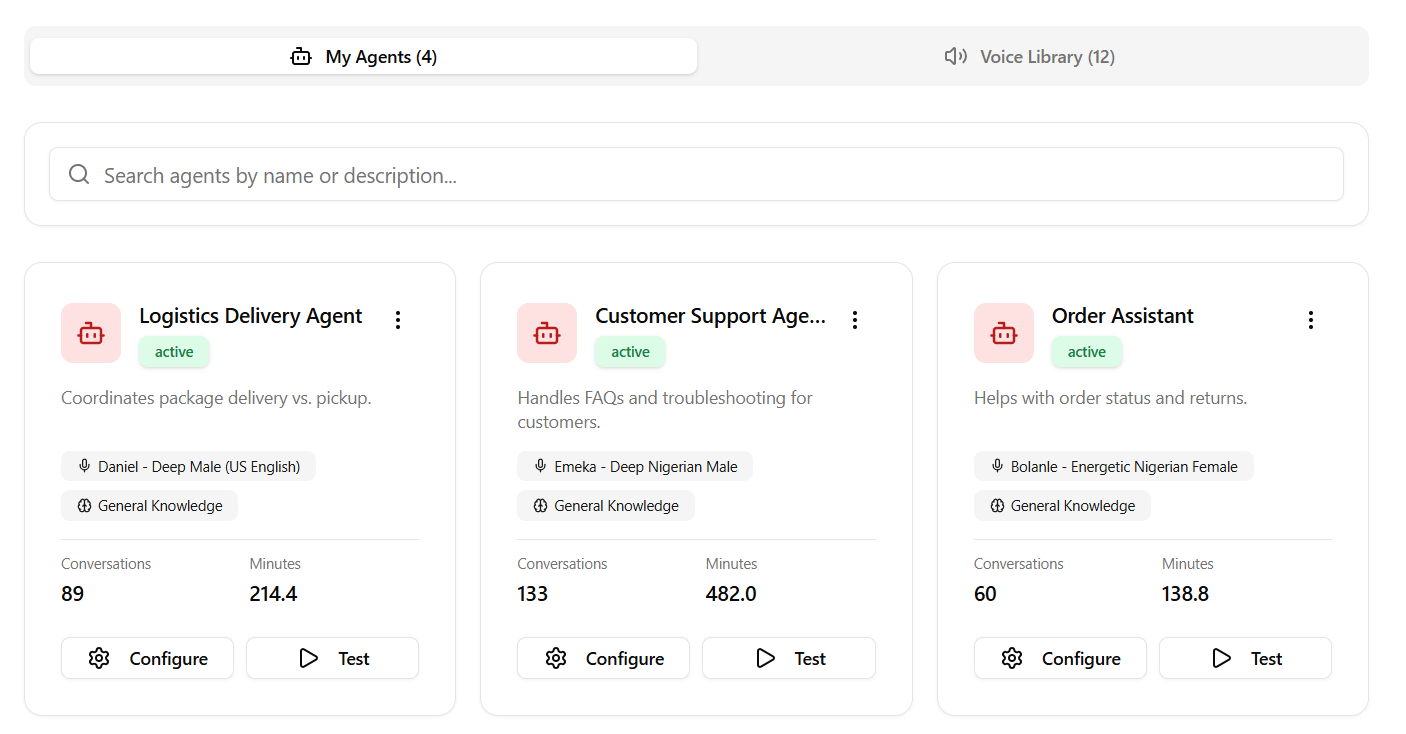
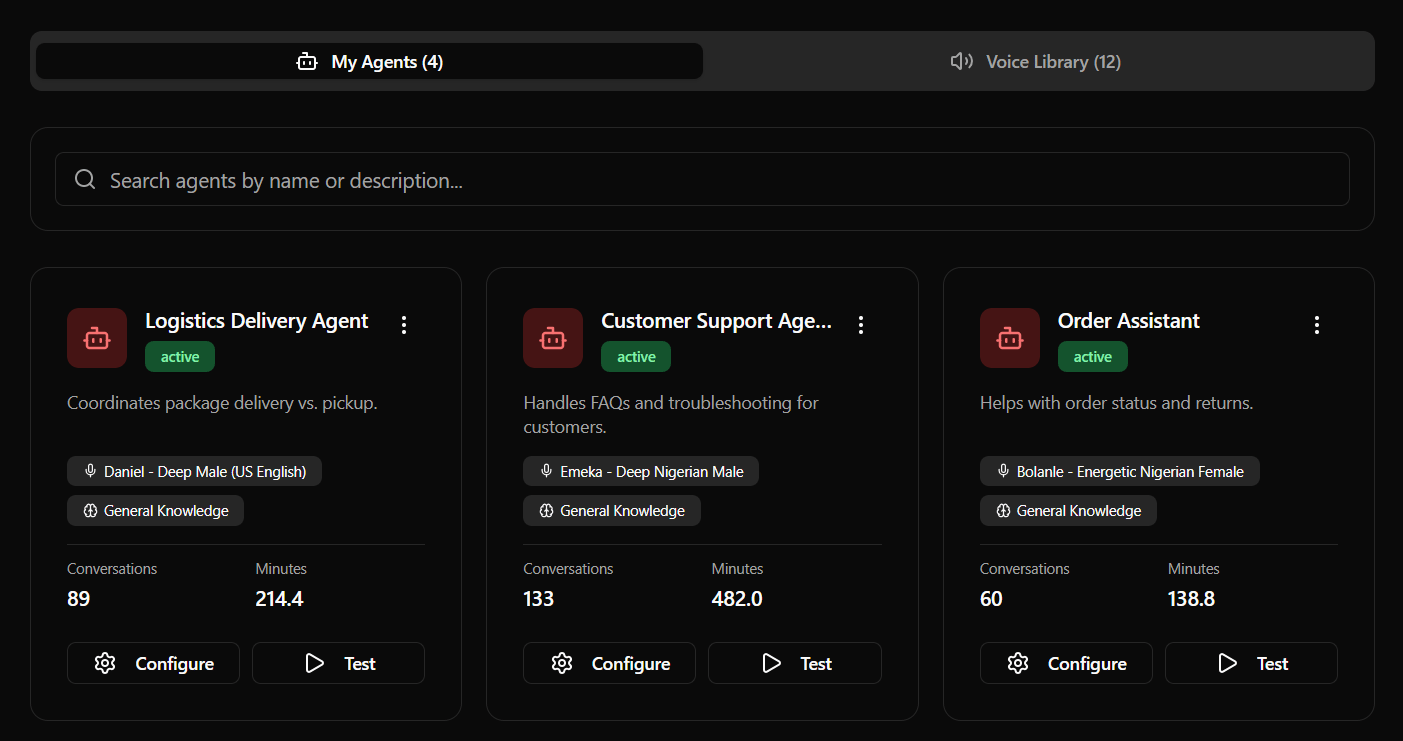
Voice Agents are the conversational cores of your phone lines and widgets. Each agent is fully configured through a settings dashboard, giving you control over their identity, greeting messages, vocal tone, and transfer rules.
 ## Configuration Fields
When creating or editing a Voice Agent, you will interact with the following sections in your dashboard:
### 1. Identity & Prompting
* **Agent Name:** The label representing your agent (e.g., *"Front Desk Receptionist"*).
* **Short Description:** A internal summary of the agent's purpose.
* **System Prompt (Personality):** Detailed text instructions guiding the agent's behavior, tone, goals, and logic boundaries.
* **Inbound Greeting Message:** The opening sentence spoken by the agent when a customer dials into your line.
* **Outbound Greeting Message:** The opening sentence spoken by the agent when dialling out during scheduled campaigns.
### 2. Success Outcomes
Outcomes allow you to define semantic goals that the agent should track during a call.
* **Tag:** A short uppercase tag (e.g. `meeting_scheduled`, `support_resolved`).
* **Instruction:** The condition describing when to trigger the tag (e.g., *"Trigger when the user confirms they want to schedule an appointment at a specific time"*).
### 3. Voice Configuration
Choose your agent's voice profile and language:
* **Language Filter:** Search profiles by language (English, Spanish, French, German, Italian, Portuguese, Japanese, Hausa, Yoruba, Igbo, Pidgin, etc.).
* **Local Accents:** Features specialized local accents, including Nigerian English, Spanish, and French.
* **Voice Previews:** Click the **Play** button next to any voice selection in the dropdown to hear a sample audio clip before applying it.
### 4. Knowledge Base
* **Select KB:** Link one of your pre-configured Knowledge Base sources to the agent.
* **Enable Retrieval:** Switch this toggle ON to allow the agent to fetch answers from your documents during calls.
### 5. Transfer & Escalation
Enable your voice agent to route calls to human representatives:
* **Transfer Phone Number:** The destination phone number (e.g., `+1555...` in E.164 format) to redirect the caller to.
* **Transfer Trigger Instructions:** Instructions telling the agent *when* to trigger the call forwarding (e.g. *"If the user gets frustrated or asks to speak with a human agent, initiate a transfer."*).
### 6. Call Settings
* **Record Conversation:** Toggles audio call recording for transcripts and logs.
* **Play Disclaimer:** Toggles playing an automated recording disclosure at the start of the call.
* **Greeting Interruptible:** Toggles whether the customer can speak over the agent's initial greeting.
## Configuration Fields
When creating or editing a Voice Agent, you will interact with the following sections in your dashboard:
### 1. Identity & Prompting
* **Agent Name:** The label representing your agent (e.g., *"Front Desk Receptionist"*).
* **Short Description:** A internal summary of the agent's purpose.
* **System Prompt (Personality):** Detailed text instructions guiding the agent's behavior, tone, goals, and logic boundaries.
* **Inbound Greeting Message:** The opening sentence spoken by the agent when a customer dials into your line.
* **Outbound Greeting Message:** The opening sentence spoken by the agent when dialling out during scheduled campaigns.
### 2. Success Outcomes
Outcomes allow you to define semantic goals that the agent should track during a call.
* **Tag:** A short uppercase tag (e.g. `meeting_scheduled`, `support_resolved`).
* **Instruction:** The condition describing when to trigger the tag (e.g., *"Trigger when the user confirms they want to schedule an appointment at a specific time"*).
### 3. Voice Configuration
Choose your agent's voice profile and language:
* **Language Filter:** Search profiles by language (English, Spanish, French, German, Italian, Portuguese, Japanese, Hausa, Yoruba, Igbo, Pidgin, etc.).
* **Local Accents:** Features specialized local accents, including Nigerian English, Spanish, and French.
* **Voice Previews:** Click the **Play** button next to any voice selection in the dropdown to hear a sample audio clip before applying it.
### 4. Knowledge Base
* **Select KB:** Link one of your pre-configured Knowledge Base sources to the agent.
* **Enable Retrieval:** Switch this toggle ON to allow the agent to fetch answers from your documents during calls.
### 5. Transfer & Escalation
Enable your voice agent to route calls to human representatives:
* **Transfer Phone Number:** The destination phone number (e.g., `+1555...` in E.164 format) to redirect the caller to.
* **Transfer Trigger Instructions:** Instructions telling the agent *when* to trigger the call forwarding (e.g. *"If the user gets frustrated or asks to speak with a human agent, initiate a transfer."*).
### 6. Call Settings
* **Record Conversation:** Toggles audio call recording for transcripts and logs.
* **Play Disclaimer:** Toggles playing an automated recording disclosure at the start of the call.
* **Greeting Interruptible:** Toggles whether the customer can speak over the agent's initial greeting.