> ## Documentation Index
> Fetch the complete documentation index at: https://docs.roostrr.com/llms.txt
> Use this file to discover all available pages before exploring further.
# Restaurant AI Workers
> Deploy highly optimized conversational AI workers to take orders, manage bookings, and handle restaurant inquiries.
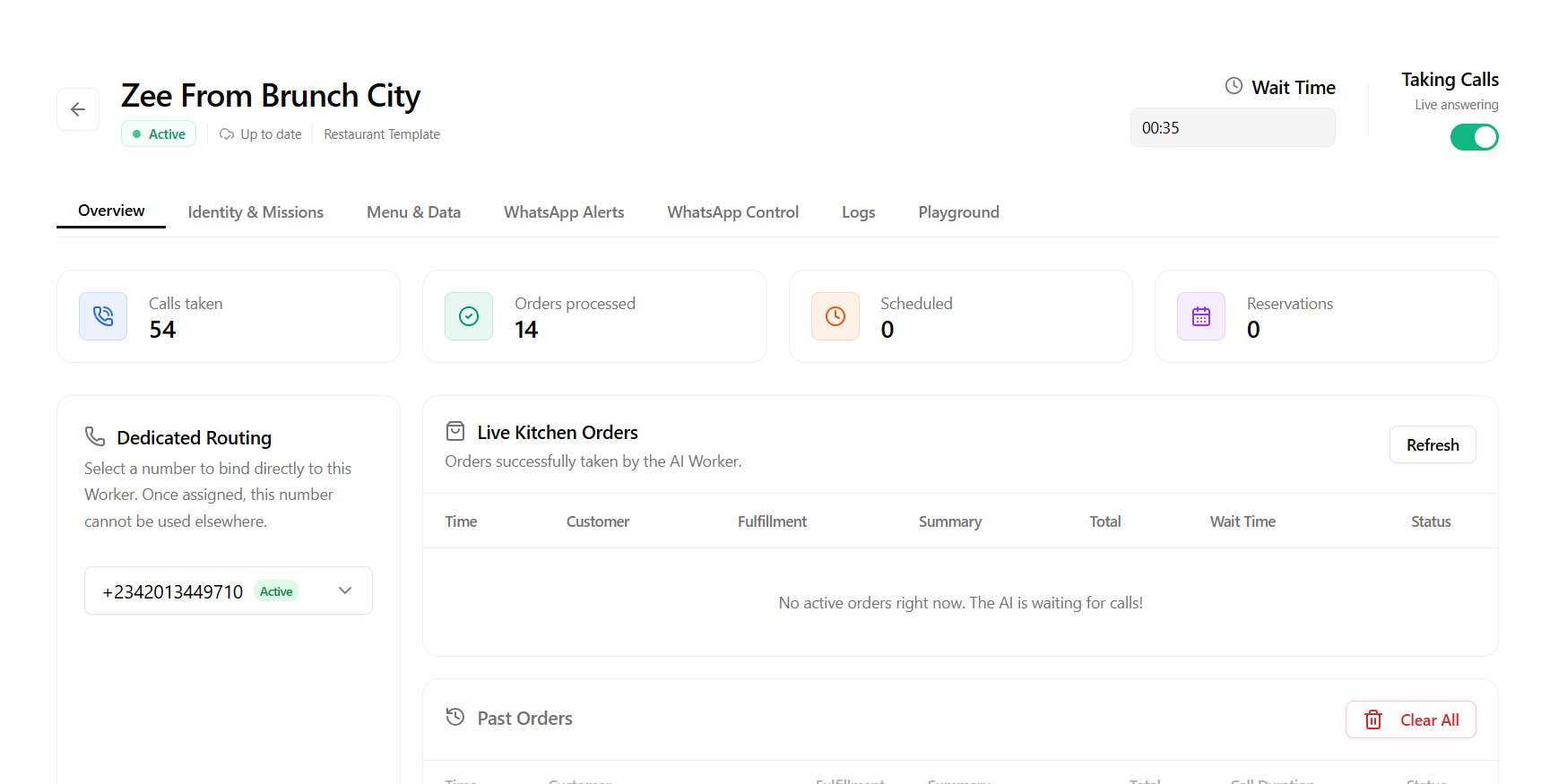
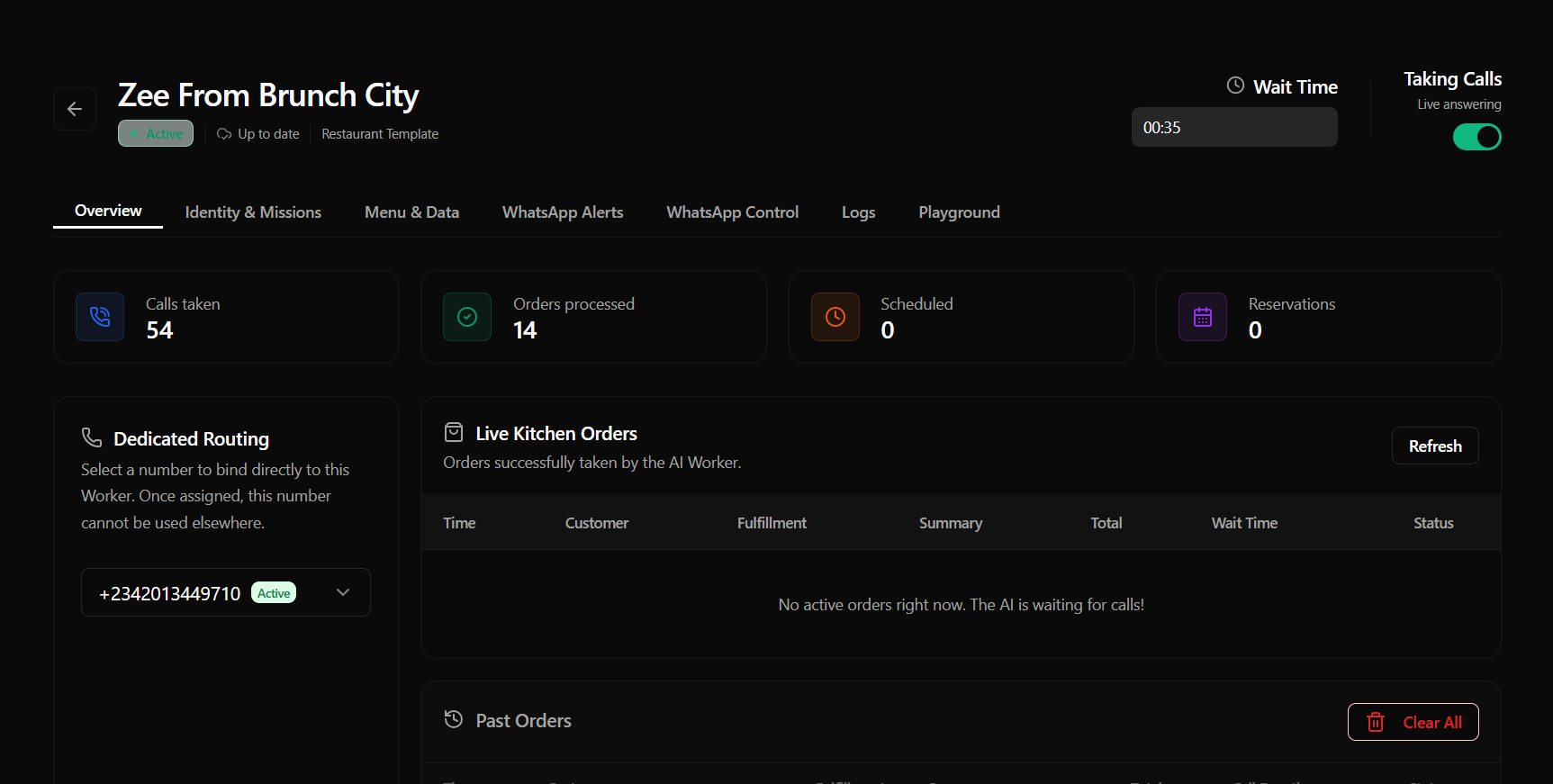
The **Restaurant AI Worker** is a specialized pre-built agent designed specifically for food service establishments. The Restaurant Worker is fully integrated with order-taking, menu validation, and scheduling pipelines right out of the box.
 ## Key Capabilities
* **Conversational Ordering:** Guides customers through menus, records item choices, captures order quantities, and handles modifications (e.g., *"no onions"* or *"extra cheese"*).
* **Menu Verification:** Checks item availability and pricing live on the call.
* **Order Scheduling:** Supports future pickup and delivery scheduling. Scheduled orders are queued securely in our database check loop.
* **Automated Confirmations:** Triggers automated order confirmations and summaries to both the restaurant owner and the customer via WhatsApp.
## Configuration & Deployment
### 1. Hire the Worker
1. Navigate to the **Workers** page in the sidebar.
2. Click **Hire a Worker**.
3. Under *Available Workers*, choose **Restaurant Worker** and click **Hire**.
4. Give your worker a name (e.g., *"Bistro Host"*).
### 2. Menu and Knowledge Upload
In the worker settings, upload your menu files (PDF or TXT) and business rules. The worker's local knowledge base will ingest the menu, prices, and dining options.
### 3. Agent Commands (Missions)
You can define specific **Commands** or **Missions** to customize how the worker operates:
* *Example:* *"Always upsell our special garlic knots when a customer orders a pizza."*
* *Example:* *"Inform customers that we are currently running a buy-one-get-one-free promotion on all sodas."*
```text theme={null}
[Custom Worker Commands]
- Confirm all delivery addresses twice.
- Recommend the seasonal draft beer whenever a burger is ordered.
- Politely state that we do not deliver beyond a 5-mile radius if asked.
```
***
## Post-Call Triggers
Upon successful completion of an order call:
1. The call ends, and the worker processes the final cart summary.
2. The order is stored securely in your dashboard order log.
3. If scheduled for a future time, it goes into our secure order queue scheduler.
4. An automated message is sent to the customer containing their receipt, total price, and pickup/delivery window.
5. A matching order ticket is dispatched to the restaurant owner.
Ensure you have configured your **Messaging Settings** in the integrations panel and have a verified number linked to send and receive these automated notifications.
## Key Capabilities
* **Conversational Ordering:** Guides customers through menus, records item choices, captures order quantities, and handles modifications (e.g., *"no onions"* or *"extra cheese"*).
* **Menu Verification:** Checks item availability and pricing live on the call.
* **Order Scheduling:** Supports future pickup and delivery scheduling. Scheduled orders are queued securely in our database check loop.
* **Automated Confirmations:** Triggers automated order confirmations and summaries to both the restaurant owner and the customer via WhatsApp.
## Configuration & Deployment
### 1. Hire the Worker
1. Navigate to the **Workers** page in the sidebar.
2. Click **Hire a Worker**.
3. Under *Available Workers*, choose **Restaurant Worker** and click **Hire**.
4. Give your worker a name (e.g., *"Bistro Host"*).
### 2. Menu and Knowledge Upload
In the worker settings, upload your menu files (PDF or TXT) and business rules. The worker's local knowledge base will ingest the menu, prices, and dining options.
### 3. Agent Commands (Missions)
You can define specific **Commands** or **Missions** to customize how the worker operates:
* *Example:* *"Always upsell our special garlic knots when a customer orders a pizza."*
* *Example:* *"Inform customers that we are currently running a buy-one-get-one-free promotion on all sodas."*
```text theme={null}
[Custom Worker Commands]
- Confirm all delivery addresses twice.
- Recommend the seasonal draft beer whenever a burger is ordered.
- Politely state that we do not deliver beyond a 5-mile radius if asked.
```
***
## Post-Call Triggers
Upon successful completion of an order call:
1. The call ends, and the worker processes the final cart summary.
2. The order is stored securely in your dashboard order log.
3. If scheduled for a future time, it goes into our secure order queue scheduler.
4. An automated message is sent to the customer containing their receipt, total price, and pickup/delivery window.
5. A matching order ticket is dispatched to the restaurant owner.
Ensure you have configured your **Messaging Settings** in the integrations panel and have a verified number linked to send and receive these automated notifications.