
Building a Post-Call Action
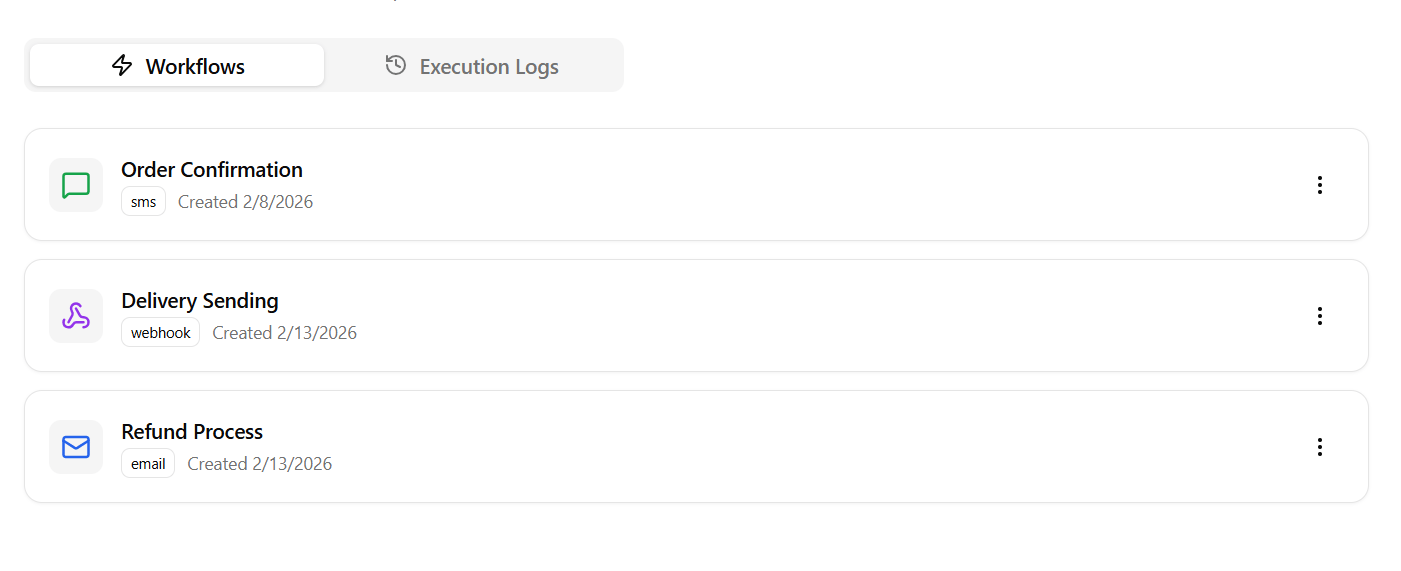
Navigate to the Actions tab in your dashboard, click Create Action, and fill in the two-step setup form:Step 1: Trigger Event
Define when this automation should execute:- Availability Context: Choose whether this action runs for All Calls, Inbound Calls Only, or Outbound Calls Only.
- For Voice Agent: Select a specific Voice Agent or choose All Voice Agents to apply this trigger globally.
- Outcome Tag: Specify a target outcome tag (e.g.,
meeting_booked,support_resolved). The trigger will only fire if the call completed with this success tag. Leave empty to trigger on all calls regardless of outcome.
Step 2: Automation Target
Specify what Roostrr should do when the trigger fires:Option A: Send a Webhook
Send a JSON payload containing the call metadata, duration, cost, and transcript to your server.- Webhook URL: The destination URL on your server.
- Method: HTTP
POSTorGET.
Option B: Send an Email
Email call summaries and logs to your department addresses.- To Email(s): Comma-separated list of recipient addresses (e.g.,
sales@yourdomain.com). - Subject Line: Custom subject text (e.g., “New Lead Alert from Voice Agent”).
Option C: Send a WhatsApp Message
Deliver instant notifications to a specific number.- WhatsApp Number: Destination phone number (e.g.,
+1...or+234...).
Execution Logs & Debugging
In the Execution Logs tab, you can track and debug every automated run:- Status Indicators: View execution status badges (Success, Failed, Pending).
- Duration: Track the time (in ms) your server took to respond to the webhook.
- Debug details: Click any log row to open the inspector, displaying:
- Destination URL target.
- Backend error messages.
- JSON Request/Response debug logs.