

Renting Dedicated Numbers
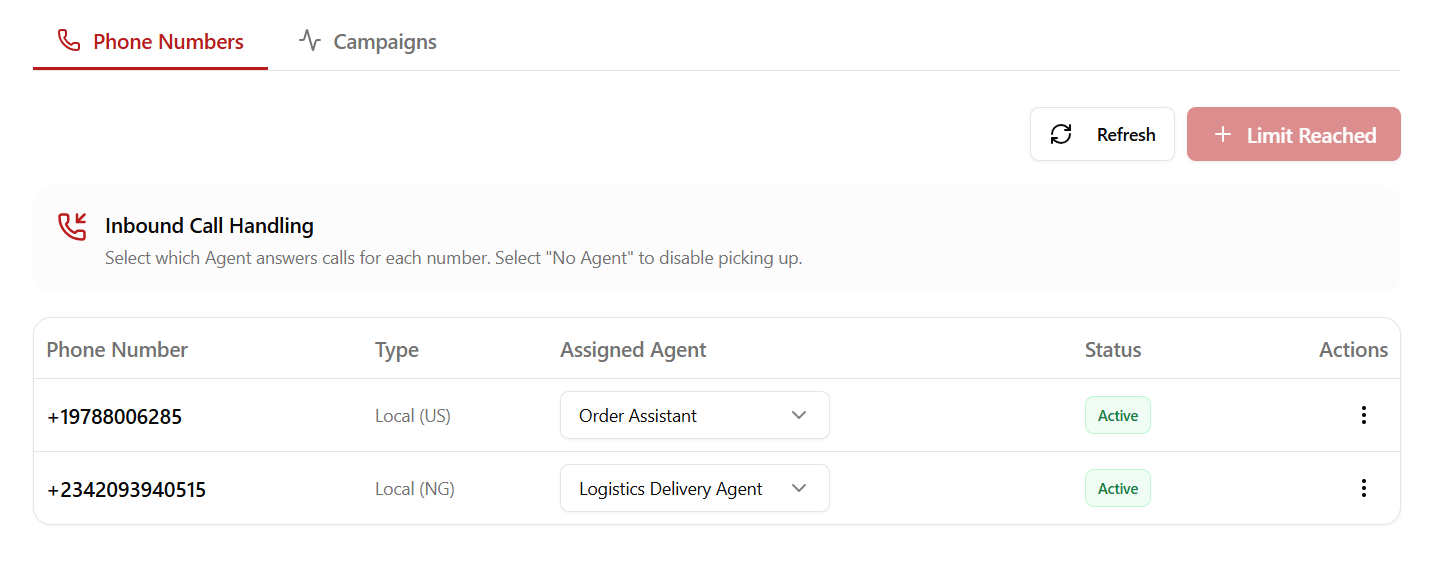
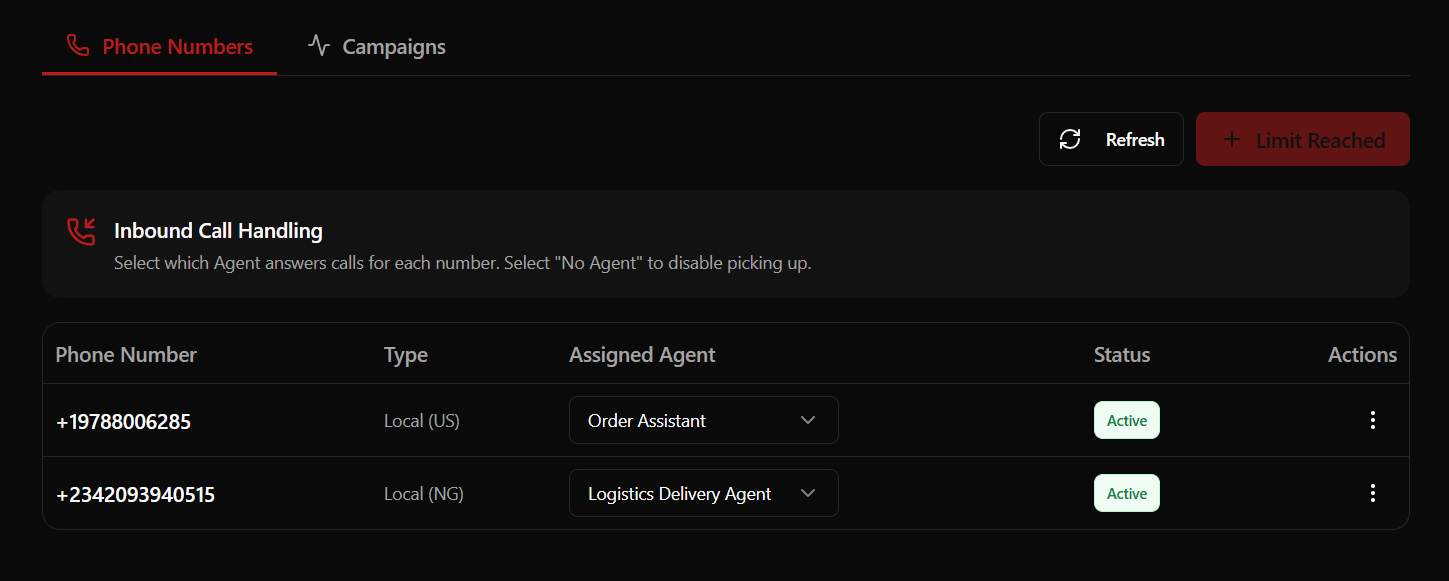
You can purchase new local and mobile numbers directly from your dashboard under the Phone tab.Regional Pricing & Compliance
Pricing and compliance requirements vary based on the country:[!IMPORTANT] Compliance Verification: Due to local telecommunications regulations, renting a number in Australia, South Africa, Nigeria, or Kenya requires business verification. You can securely upload the required regulatory documents within the dashboard after renting your number.
Configuring Inbound Routing & Fallbacks
Once you have active numbers, you can configure how incoming calls are routed and manage spillover scenarios:1. Route Mapping
Click Configure next to any phone number to map incoming traffic:- Custom Voice Agent: Routes to any standard voice assistant in your workspace.
- Specialized AI Staff: Routes directly to a specialized vertical worker (e.g., a Restaurant Worker).
2. Emergency Fallback Number
To ensure you never miss critical calls, you can configure a fallback number for call spillovers:- Spillover Routing: If your voice agent reaches its concurrency limits or encounters connectivity issues, the call is immediately routed to a designated physical phone number.
- Setup: In the configuration menu, select Set Fallback Number, enter the destination phone number including its country code (e.g.,
+1...or+234...), and save.
3. Interactive Voice Response (IVR) / Call Menu
For phone numbers that need to route calls to multiple agents or departments, you can configure an interactive spoken menu:- Spoken Greeting Message: The initial greeting spoken to the caller when they dial (e.g., “Thank you for calling. Please select an option from the menu.”).
- Option Mappings: Map keypad digits (0-9) to route calls to specific Voice Agents in your workspace.
- Option Announcement Message: Customize the text prompt spoken for each specific key option (e.g., “For support, press 1. For sales, press 2.”).
Call Flow Logic
When a caller dials a number with an IVR Call Menu active:- The greeting message is played first.
- The announcement prompts for each configured option are read.
- The platform waits for the caller to press a key.
- If the option is valid, the call is immediately forwarded to the mapped Voice Agent.
BYOC (Bring Your Own Carrier) via SIP Trunks
If your organization has pre-existing phone numbers, enterprise call center accounts, or a corporate telephone trunk, you can bridge them into Roostrr via SIP Trunks. To manage your trunks, navigate to Phone > SIP Trunks in the dashboard.Trunk Configuration Parameters
When creating or editing a SIP Trunk, you configure the following parameters depending on the traffic direction:General Settings
- Trunk Name: A unique label for identifying the trunk.
- Trunk Direction: Set to Inbound (receiving calls from your carrier) or Outbound (sending calls through your carrier). This cannot be changed after creation.
- Numbers: A comma-separated list of telephone numbers routed through this trunk.
- Media Encryption (SRTP): Select the encryption enforcement level:
- Disabled: Media packets sent unencrypted.
- Enabled: Encryption supported and negotiated.
- Required: Encryption enforced for all media traffic.
Inbound Settings (Receiving Calls)
Configure how Roostrr accepts calls routed from your SIP carrier:- Allowed Addresses: A security whitelist of trusted carrier IP addresses or CIDR blocks (e.g.
192.168.1.1/32). Use0.0.0.0/0to accept traffic from any address. - Include Headers: Choose whether SIP headers are forwarded: No headers, X headers, or All headers.
- Krisp Noise Cancellation: Toggle this option to automatically filter out background noise on incoming customer audio streams.
Outbound Settings (Making Calls)
Configure how Roostrr authenticates and routes calls back to your carrier:- Address (SIP URI): The target SIP gateway address of your provider (e.g.,
sip.provider.com). - Transport: The connection transport protocol (Auto, UDP, TCP, or TLS).
- Credentials: Enter the optional Username and Password if your carrier gateway requires SIP digest authentication.