

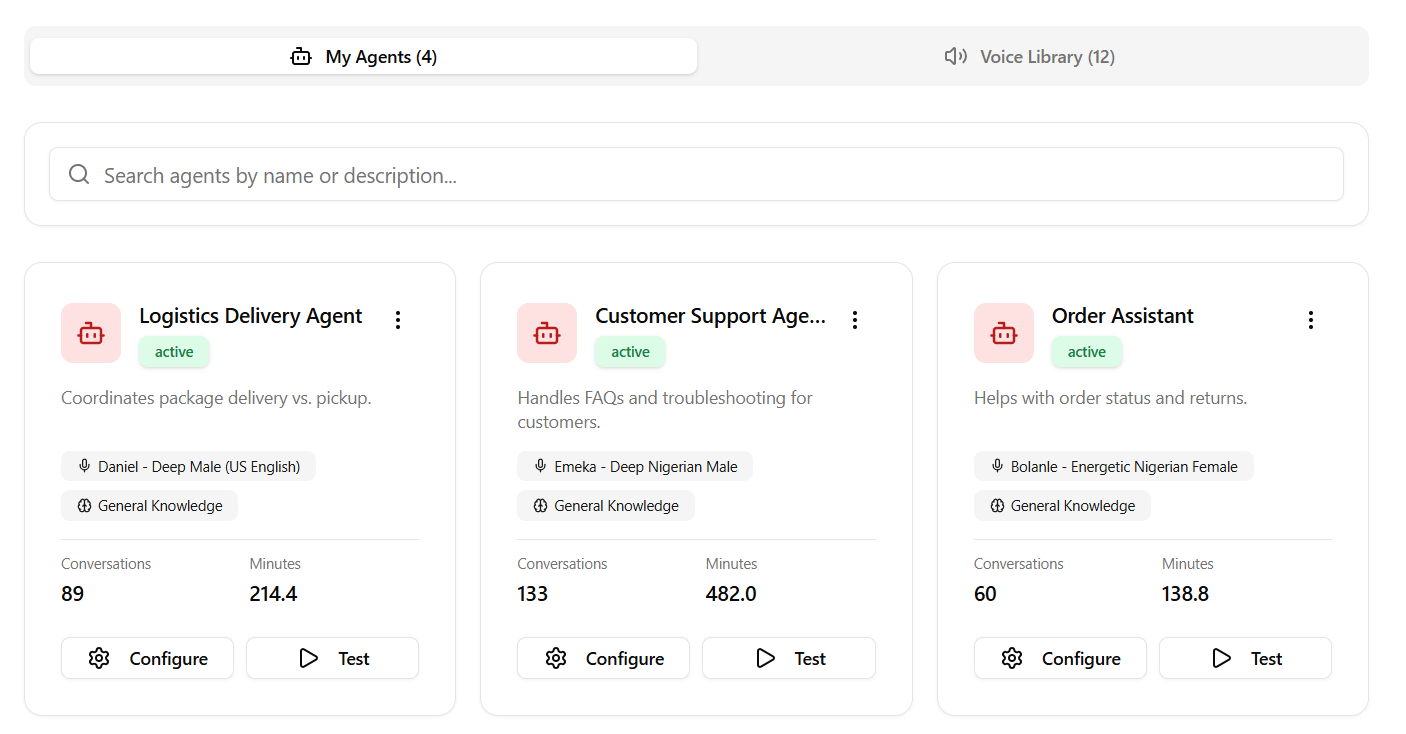
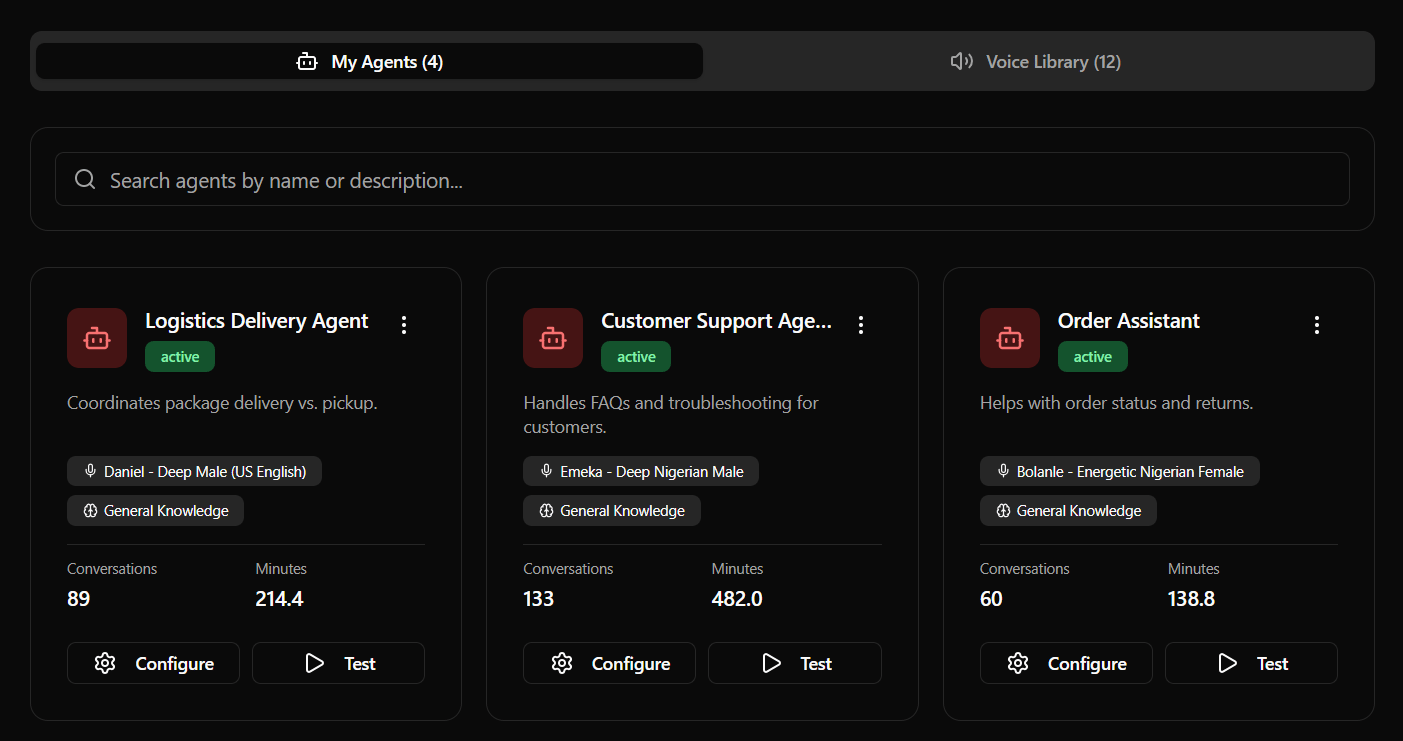
Configuration Fields
When creating or editing a Voice Agent, you will interact with the following sections in your dashboard:1. Identity & Prompting
- Agent Name: The label representing your agent (e.g., “Front Desk Receptionist”).
- Short Description: A internal summary of the agent’s purpose.
- System Prompt (Personality): Detailed text instructions guiding the agent’s behavior, tone, goals, and logic boundaries.
- Inbound Greeting Message: The opening sentence spoken by the agent when a customer dials into your line.
- Outbound Greeting Message: The opening sentence spoken by the agent when dialling out during scheduled campaigns.
2. Success Outcomes
Outcomes allow you to define semantic goals that the agent should track during a call.- Tag: A short uppercase tag (e.g.
meeting_scheduled,support_resolved). - Instruction: The condition describing when to trigger the tag (e.g., “Trigger when the user confirms they want to schedule an appointment at a specific time”).
3. Voice Configuration
Choose your agent’s voice profile and language:- Language Filter: Search profiles by language (English, Spanish, French, German, Italian, Portuguese, Japanese, Hausa, Yoruba, Igbo, Pidgin, etc.).
- Local Accents: Features specialized local accents, including Nigerian English, Spanish, and French.
- Voice Previews: Click the Play button next to any voice selection in the dropdown to hear a sample audio clip before applying it.
4. Knowledge Base
- Select KB: Link one of your pre-configured Knowledge Base sources to the agent.
- Enable Retrieval: Switch this toggle ON to allow the agent to fetch answers from your documents during calls.
5. Transfer & Escalation
Enable your voice agent to route calls to human representatives:- Transfer Phone Number: The destination phone number (e.g.,
+1555...in E.164 format) to redirect the caller to. - Transfer Trigger Instructions: Instructions telling the agent when to trigger the call forwarding (e.g. “If the user gets frustrated or asks to speak with a human agent, initiate a transfer.”).
6. Call Settings
- Record Conversation: Toggles audio call recording for transcripts and logs.
- Play Disclaimer: Toggles playing an automated recording disclosure at the start of the call.
- Greeting Interruptible: Toggles whether the customer can speak over the agent’s initial greeting.