

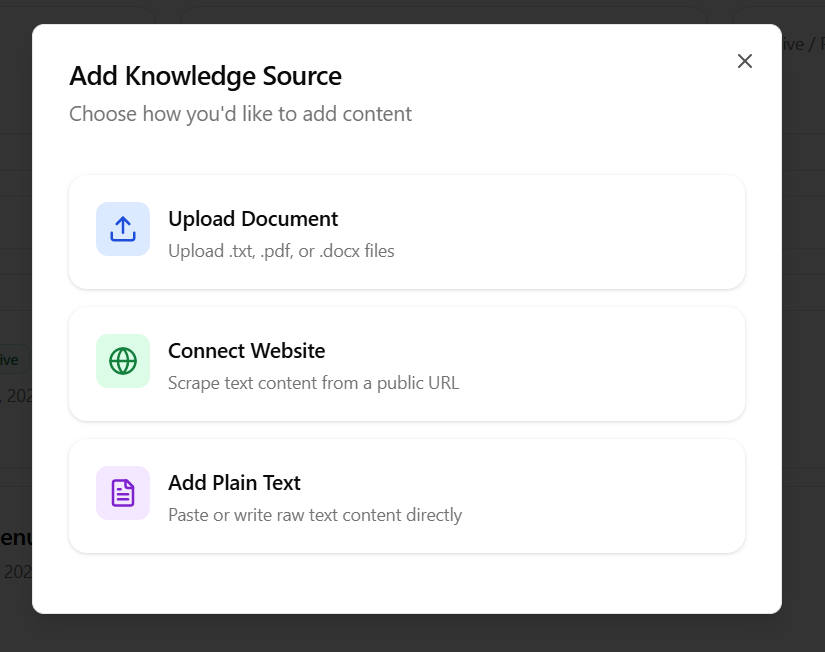
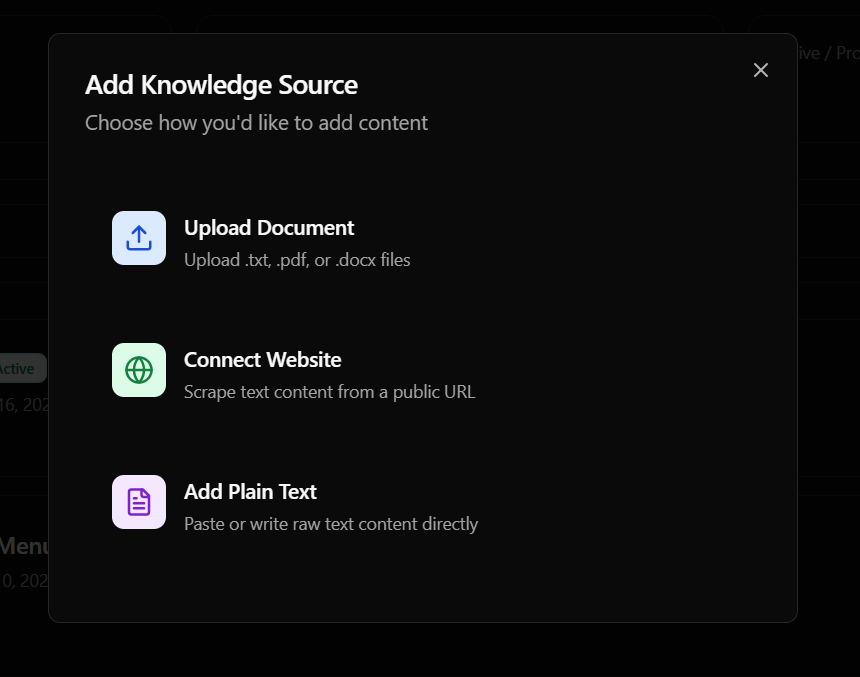
Creating a Knowledge Source
- Navigate to the Knowledge Base tab in your dashboard.
- Click Add Source.
- Choose one of the three ingestion methods:
Method 1: Upload Document
Select this option to upload pre-existing documents:- Supported Formats:
.txt,.pdf, and.docxfiles. - Size Limits: Large files are parsed and segmented automatically.
Method 2: Connect Website
Select this option to scrape public content from a web page:- Website URL: Enter the public link (e.g.
https://yourdomain.com/faq). Roostrr will parse the visible text content from the page.
Method 3: Add Plain Text
Select this option to write rules or FAQs directly in the dashboard:- Snippet Title: A label for the text (e.g., “Operating Hours”).
- Content: Paste or write your plain text. Recommended for direct question-and-answer lists.
Linking to Your Voice Agent
To make your uploaded knowledge source available to an agent:- Go to Voice Agents and click Edit on your agent.
- Under the Knowledge Base card settings, click the dropdown and select your created source.
- Toggle the Enable Retrieval switch to ON.
- Save the agent. Your agent will now automatically refer to the document contents to answer user questions mid-call.